What Can AI Agents Do for My Business? 15 Real Use Cases by Industry
AI agents can take over repetitive, rules-based work across your business: finding and researching leads, writing personalized outreach, triaging support, enriching CRM data, drafting social content, and handling inbox and scheduling. Strategy, relationships, and final approvals stay with you. Below are 15 concrete use cases by function and industry.
What is an AI agent, in one plain sentence?
An AI agent is software given a goal and tools that can take multiple steps on its own (search, read, write, update a sheet or CRM) without you prompting each step. An agent team is several of those specialists wired to hand work off to each other.
A chatbot waits for the next question. An agent keeps going until the job is done or it hits a checkpoint you defined. That difference matters for business work, because lead research, outreach drafting, and ticket triage are sequences, not one-shot answers.
Named tools show up in real builds: CRMs, Gmail or Outlook, Google Sheets, Slack, calendars, and directories. Orchestration often runs in workflow platforms such as n8n, with models like Gemini or Claude doing the reasoning. For how crews of agents work together, see What is an AI agent team?.
What can AI agents automate by business function?
The highest-ROI agent work sits in sales, support, ops, marketing, and admin: tasks with a clear input, a repeatable process, and an output a person already does today. If you can write the steps on a whiteboard, an agent can usually run them.
Here are ten function-level use cases that show up again and again in custom builds. Each one replaces hours of busywork, not judgment calls.
- Lead prospecting: find businesses that match a niche and location, then pull website, phone, and address into a sheet.
- Decision-maker contact finding: hunt verified emails for founder, owner, or director roles instead of stopping at info@.
- Website research for outreach: read each prospect site and pull 1 to 3 specific, verifiable pain points tied to your offer.
- Personalized cold email drafting: write one message per lead that references that research, then stop for human approval before send.
- CRM and list enrichment: fill missing fields, dedupe companies, and flag stale or incomplete records.
- Inbox triage: sort inbound mail by intent (sales, support, spam, billing) and draft a reply for you to approve.
- Support ticket routing: classify tickets, pull relevant knowledge-base snippets, and escalate edge cases to a human.
- Cross-tool reporting: pull numbers from Sheets, CRM, or ads into a weekly summary without copy-paste.
- Scheduling and reminders: propose meeting times, send confirmations, and nudge no-shows.
- Social content drafting: turn one brief into platform-specific captions and a publish-ready package for review.
Use cases 1 to 4 are the core of a Lead Gen Engine style pipeline. For the step-by-step version of that build, see How to automate lead generation with AI agents.
What do those use cases look like by industry?
The same agent patterns show up in agencies, local service businesses, SaaS, recruiters, and solo operators. The tools change; the job shape does not: find targets, research context, draft the next action, keep a human in the loop.
Five industry-shaped versions of the list above, which brings the total to 15 concrete use cases.
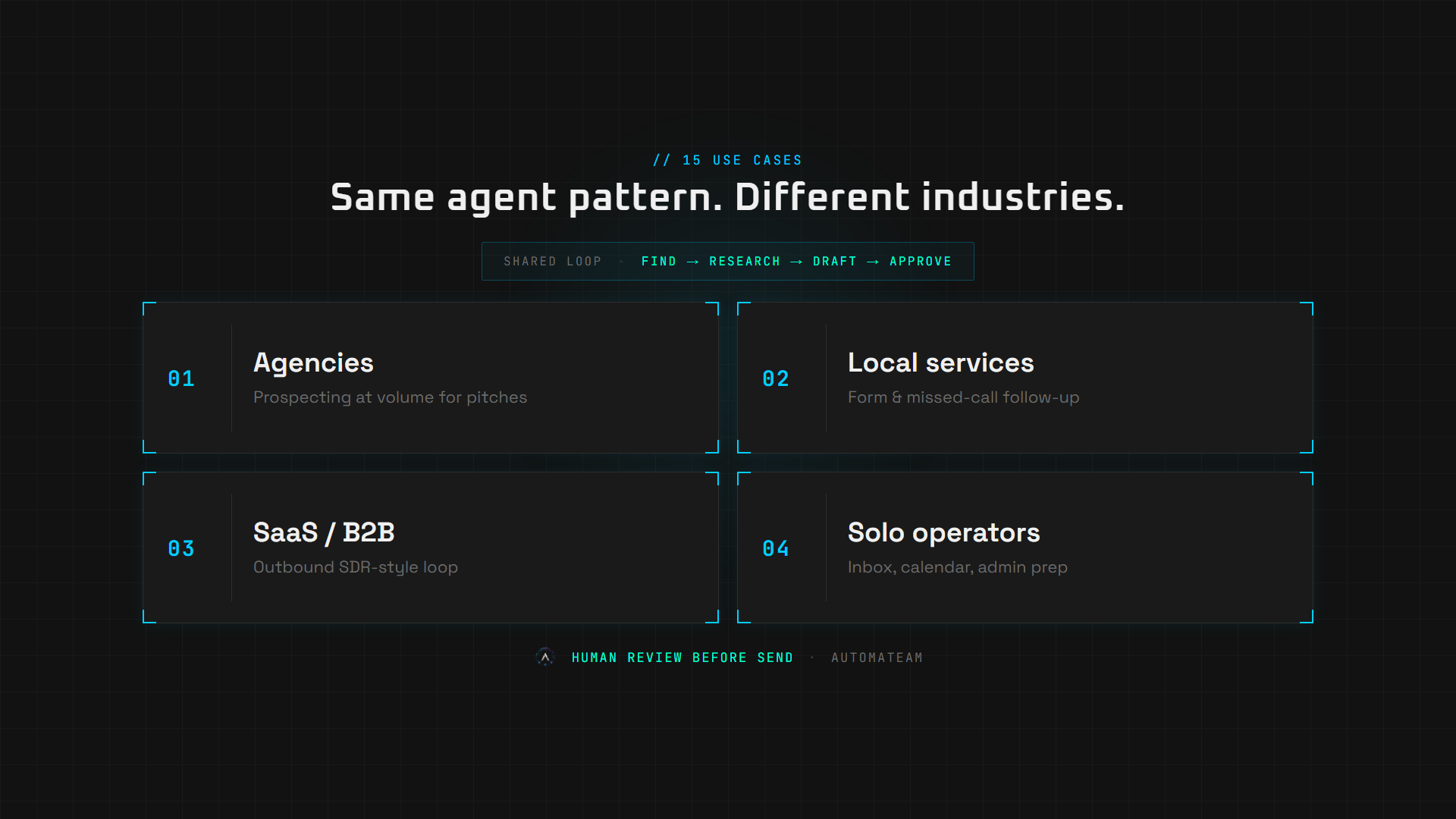
- Digital marketing agencies: run client prospecting at volume (use cases 1 to 4) so account teams spend time on pitches, not list building.
- Local services (HVAC, dental, roofing, salons): auto-follow up on web form leads and missed calls with a drafted SMS or email within minutes.
- SaaS and B2B product companies: keep an outbound SDR-style loop (prospect → enrich → draft) without hiring a full SDR desk on day one.
- Recruiters and consultants: research target accounts or candidates, summarize fit, and draft first-touch messages from a structured brief.
- Solo operators and coaches: inbox triage, calendar prep, and expense or receipt logging so client work gets the hours that used to go to admin.
White-label partners reuse these same patterns under their own brand. Agencies that want to resell a maintained system should start on the Solutions page and book a scope call.
What should you not fully automate with AI agents?
Do not fully automate strategy, relationship-heavy selling, brand voice decisions, legal or financial sign-off, or anything where a wrong action is expensive and hard to reverse. Agents draft and prepare; humans approve and own outcomes.
- Final send or publish without a human checkpoint on cold outreach and public posts.
- Pricing negotiation, contract terms, or refund decisions.
- Crisis or complaint replies that need empathy and brand judgment.
- One-off creative strategy (campaign angles, positioning) that changes every week.
- Any workflow you cannot describe clearly yet. Fuzzy process equals messy automation.
A useful rule: if the cost of a wrong output is higher than the time you save, keep a human in the loop. AutomaTeam builds with those checkpoints by default, especially on send and publish steps.
How does a custom AI agent build work (AAIaaS)?
Agentic AI as a Service (AAIaaS) means a provider scopes, builds, deploys, and maintains the agent system on your tools. You are not buying a template to configure yourself. You get a working system plus an optional retainer for monitoring and small improvements.
- Scope: map the workflow, tools, and where humans must approve.
- Build: wire agents into your stack (CRM, email, Sheets, Slack, and so on).
- Approve: you review sample output before anything runs live.
- Run: the system operates on a schedule or trigger you choose.
- Maintain: optional monthly retainer covers monitoring and one optimization path per month.
Indicative pricing on the site today: solo agents from about $500 to build, multi-agent teams from about $1,000, with optional retainers from $100/mo and billed custom work at $50/hr when needed. Exact numbers depend on integrations. See Scope & Cost for the current line-item model, or book a Strategic Scope call.
How do you pick the first AI agent use case?
Start with the task that burns the most hours, follows a stable process, and has a clear output you already check. Lead gen and outreach usually win for B2B; inbox triage and follow-up usually win for local services.
Ask three questions: How many hours per week does this cost now? Can you write the steps without debating them? What does "done" look like in a sheet, CRM, or draft folder? If all three answers are crisp, you have a good first build.
If you want a catalog view of solo agents, multi-agent teams, and website upgrade options, open Solutions. If you want a timeline and quote for one workflow, use the contact page.
Frequently asked questions
What is the difference between an AI agent and AI automation?
AI automation often means fixed if-this-then-that flows. An AI agent can choose tools and steps toward a goal, then hand off to the next specialist. Many production systems combine both: deterministic workflows plus agent reasoning where the input varies.
Can AI agents work with my existing tools (CRM, email, Sheets)?
Yes. Custom builds are wired into the stack you already use: CRM, email, Google Sheets, Slack, calendars, and similar. The point is to remove busywork inside your tools, not force a new platform on the team.
What can't AI agents do?
They should not own strategy, relationship selling, legal or financial sign-off, or unsupervised public posting and cold sends. They prepare work at scale. You keep the decisions that carry brand or legal risk.
How many of these 15 use cases can one business run?
Most teams start with one high-volume workflow, prove the output, then expand. Running every use case at once is rarely the right first move. Scope the painful process first, then add adjacent agents once that system is stable.
Is this the same as buying a ChatGPT subscription?
No. A subscription gives you a chat box. An agent system runs a defined business process on a schedule or trigger, writes into your tools, and can include human approval gates. That is closer to hiring a specialized operator than opening another chat tab.
See what this looks like for your business
Book a free 15-minute Strategic Scope. We map your manual work and tell you honestly what is worth automating.